Goe
POS
POS App
Made for
Simple to use
Easy to learn,
ready to run
Runs fast
Smooth on every
device
99% error-free
Secure transactions,
protected data
Lag-free
Stable and smooth,
even during rush hours
Made for
restaurants, cafes, eateries, and food businesses.
restaurants, cafes, eateries, and food businesses.
Live Chat Support
Get support directly
from inside the app
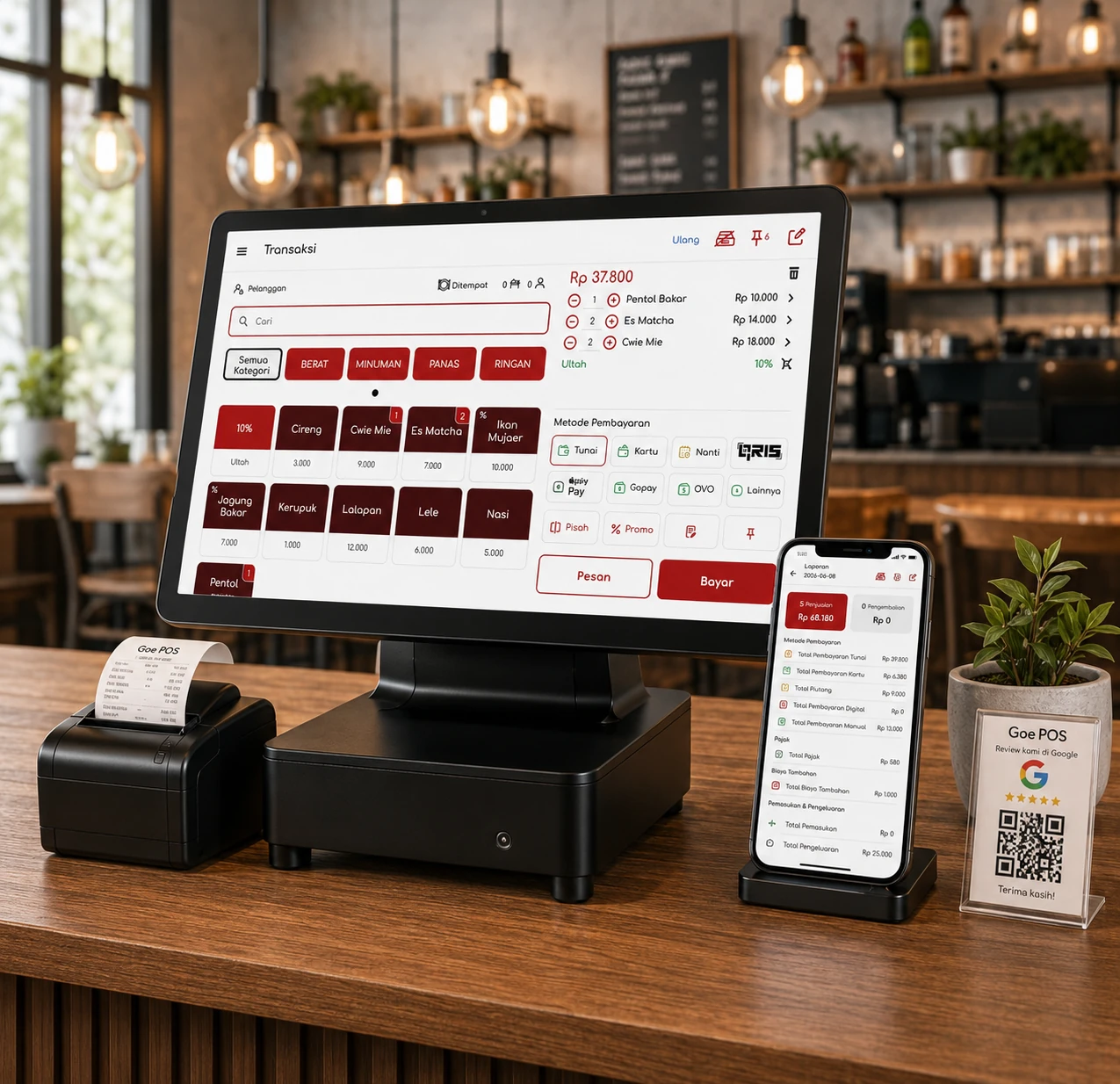
One App for Your Entire Business, All-in-One Without Extra Plugins
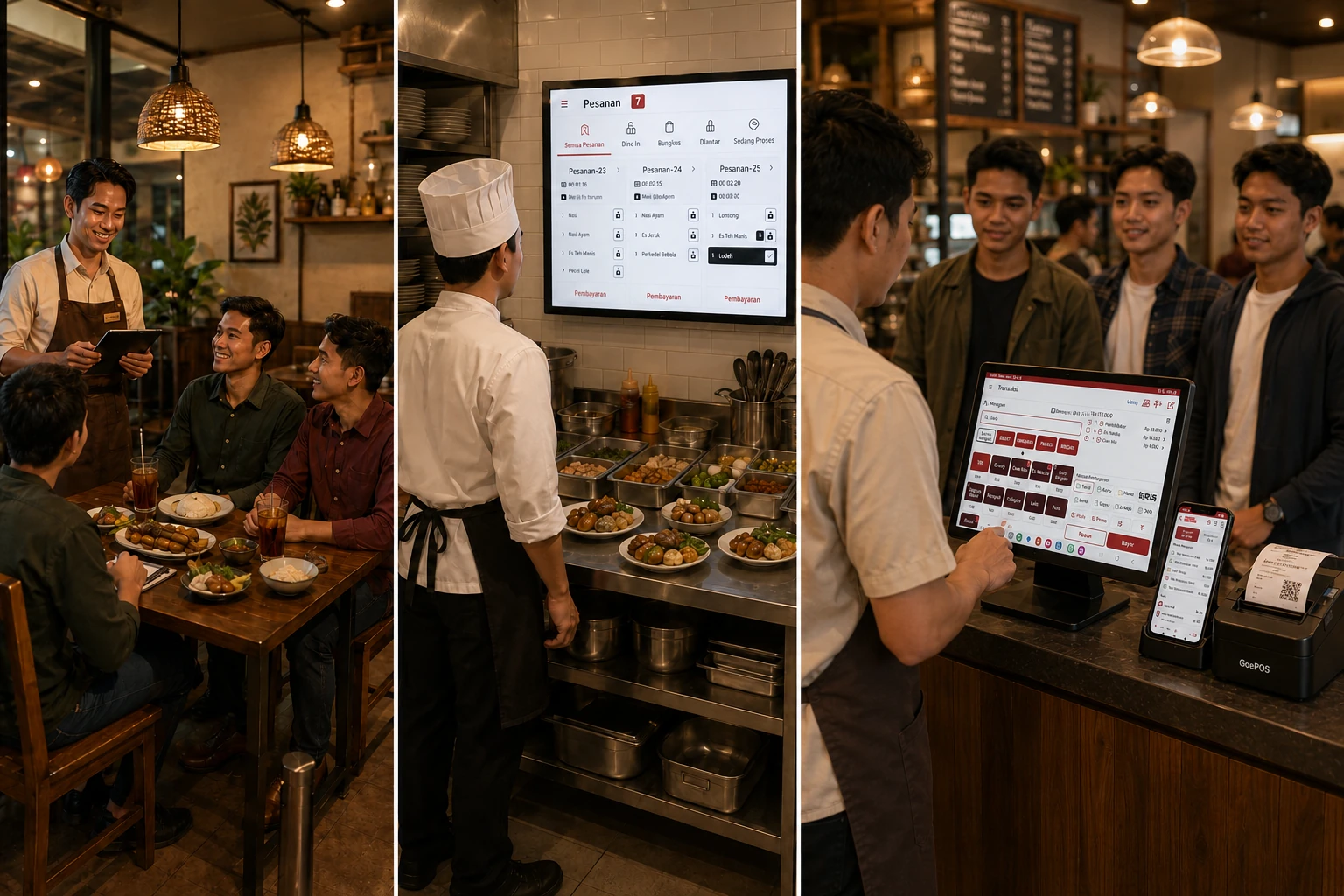
Everything works together in one smooth flow. Servers take orders, orders go straight to the kitchen, and cashiers process payments with less hassle.
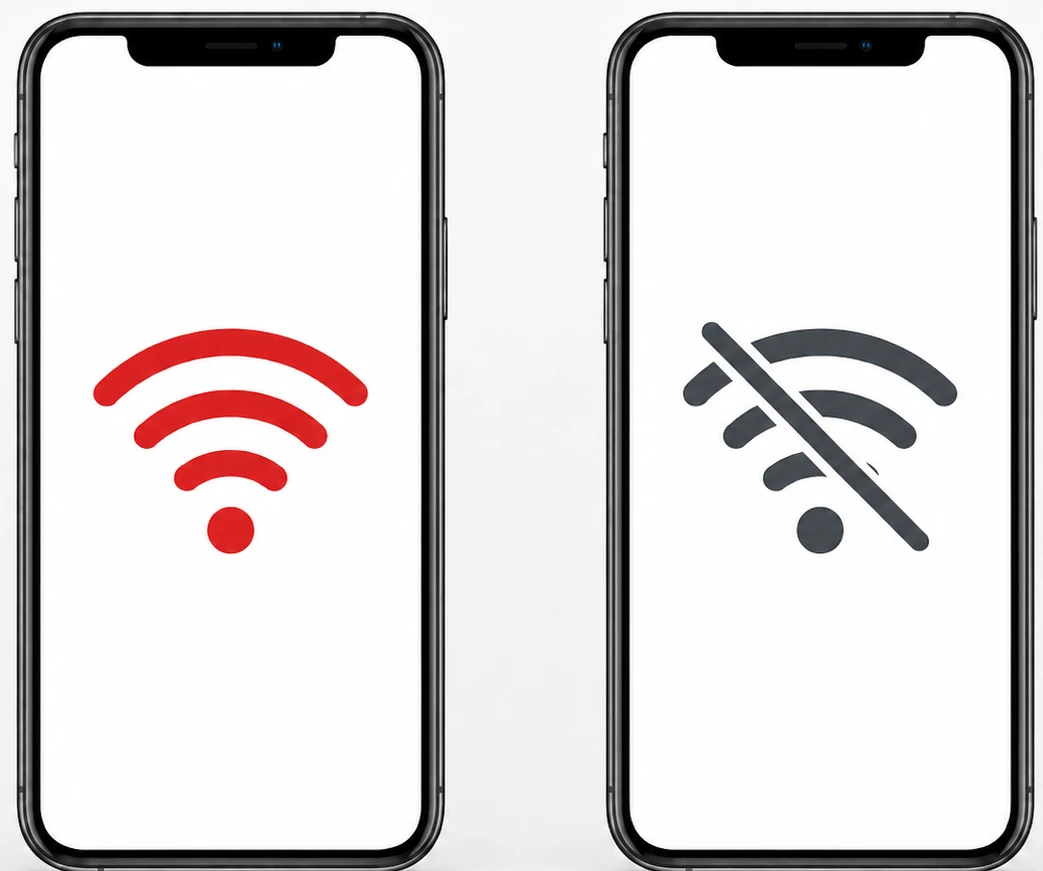
Internet down? Keep selling
Keep taking orders even when the internet is unstable. Transactions are saved offline and synced automatically once you are back online.
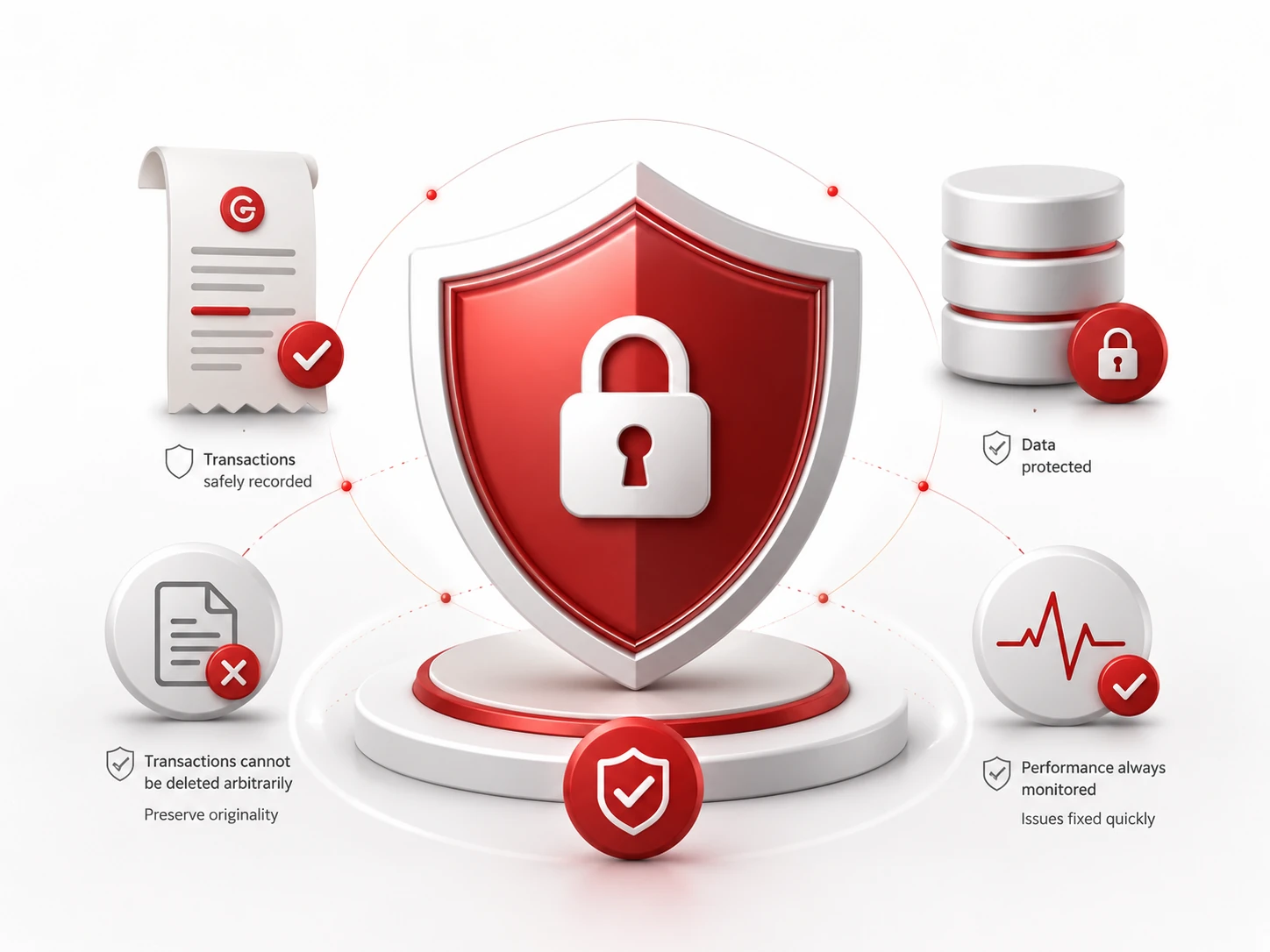
Secure transactions, protected data
GoePOS keeps every transaction properly recorded, helps prevent careless deletion, and continuously monitors app performance so issues can be fixed faster.
Because Customer Payments Are Not Always Simple.
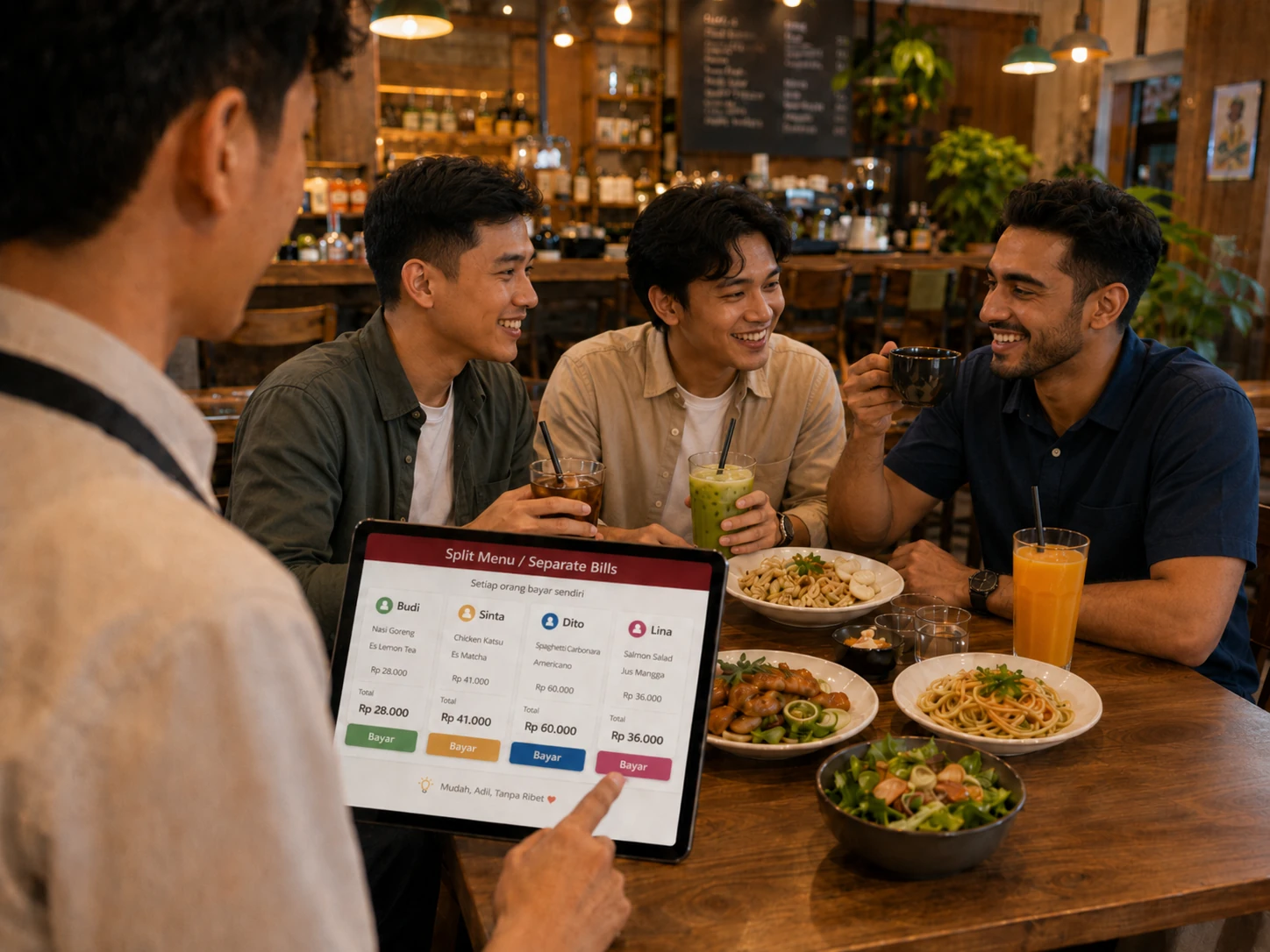
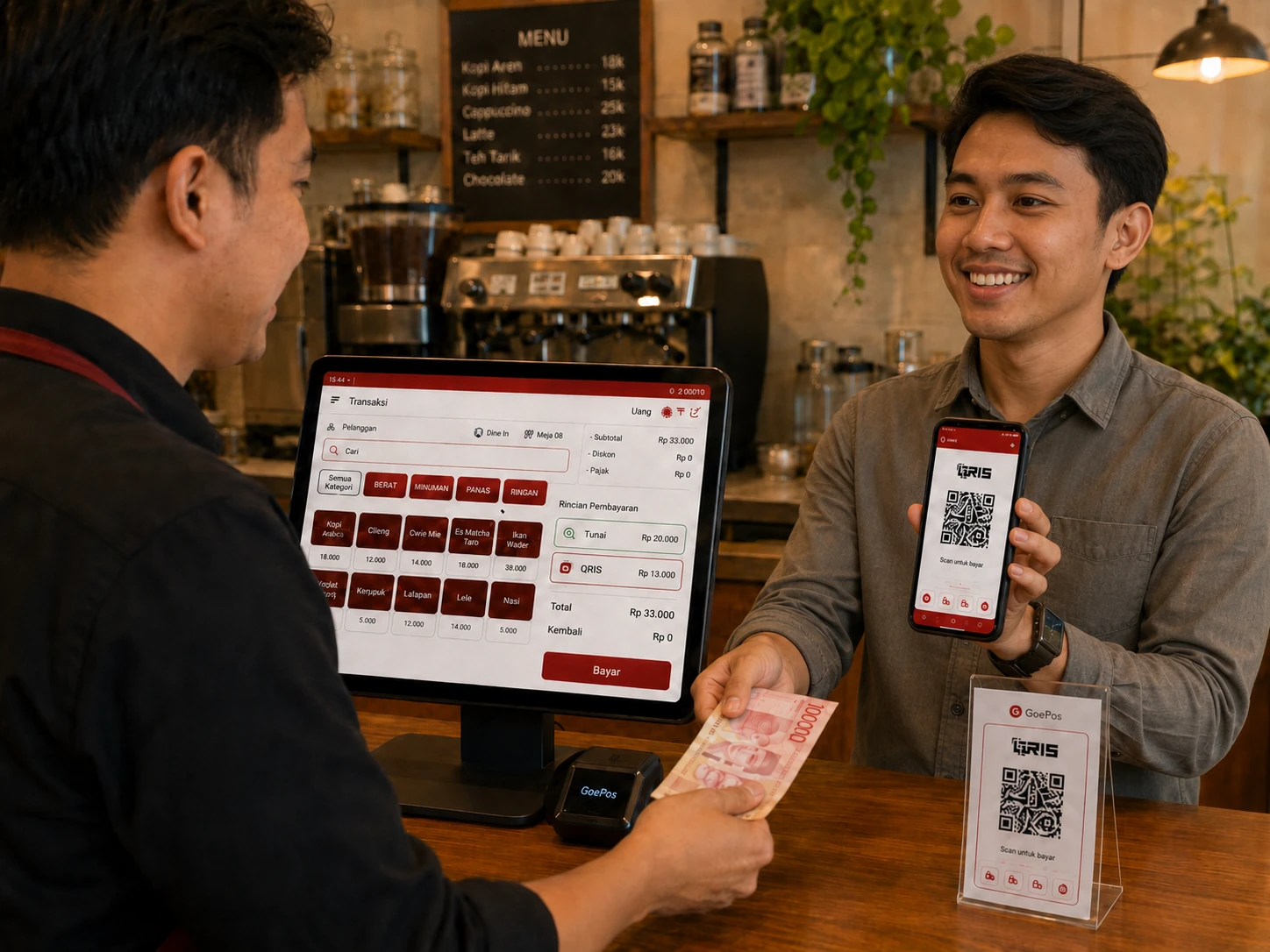
Customer short on cash? Split the payment. Eating together but paying separately? Split the menu. Not ready to pay yet? Hold the transaction. GoePOS helps cashiers handle real situations without slowing down the queue.
Enter an Order Once, Let Every Team Move
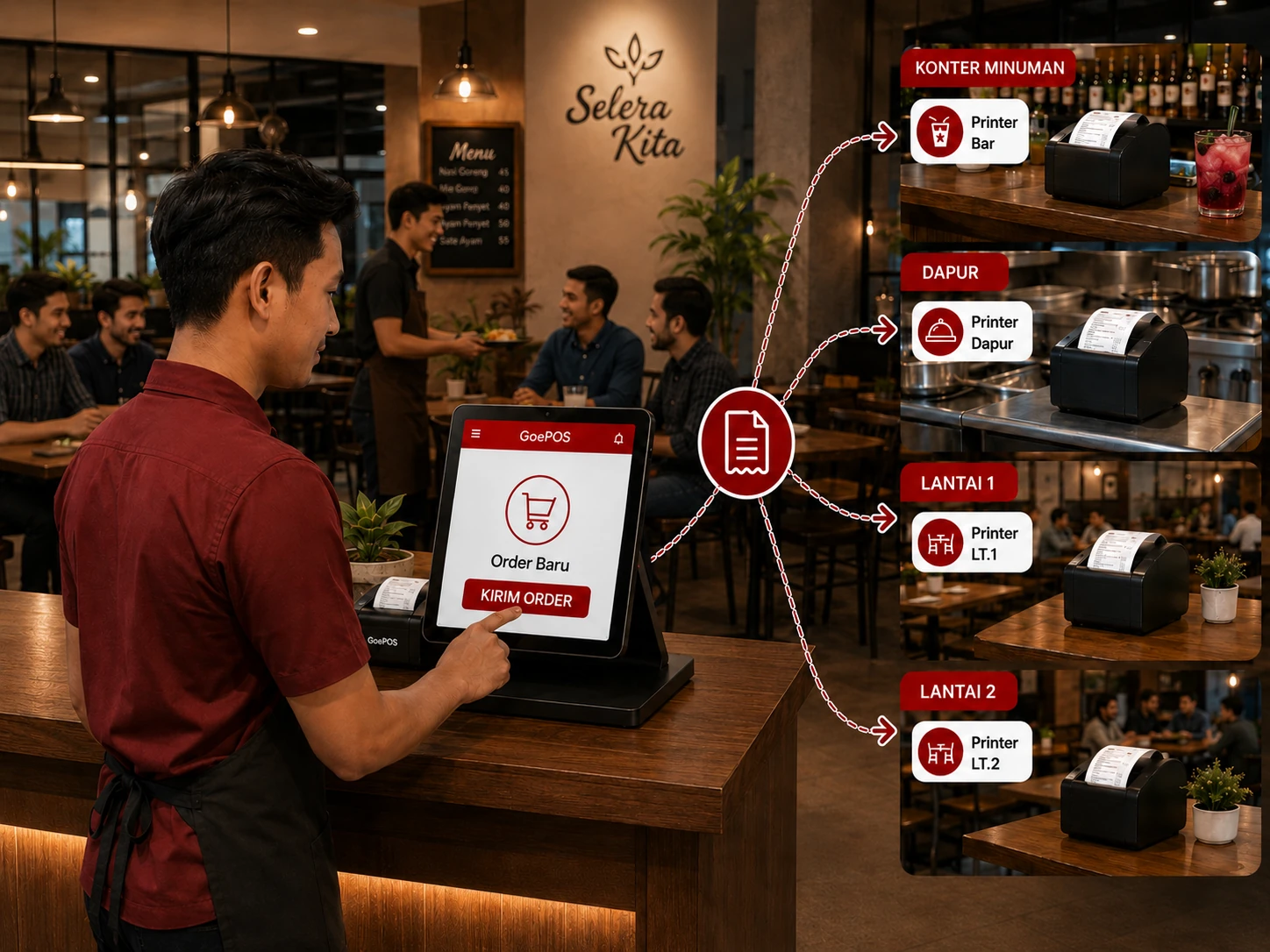
Orders from the cashier can be sent automatically to the beverage counter, kitchen, 1st floor, 2nd floor, and other service areas.
More accurate.
Faster service.
Less wasted time.
Fewer miscommunications.
With GoePOS, your team does not need to shout across the room, cashiers do not need to go back and forth, and orders can reach customers more smoothly.
More accurate.
Faster service.
Less wasted time.
Fewer miscommunications.
With GoePOS, your team does not need to shout across the room, cashiers do not need to go back and forth, and orders can reach customers more smoothly.
Receipts Are More Than Proof of Payment. They Can Promote Your Business.
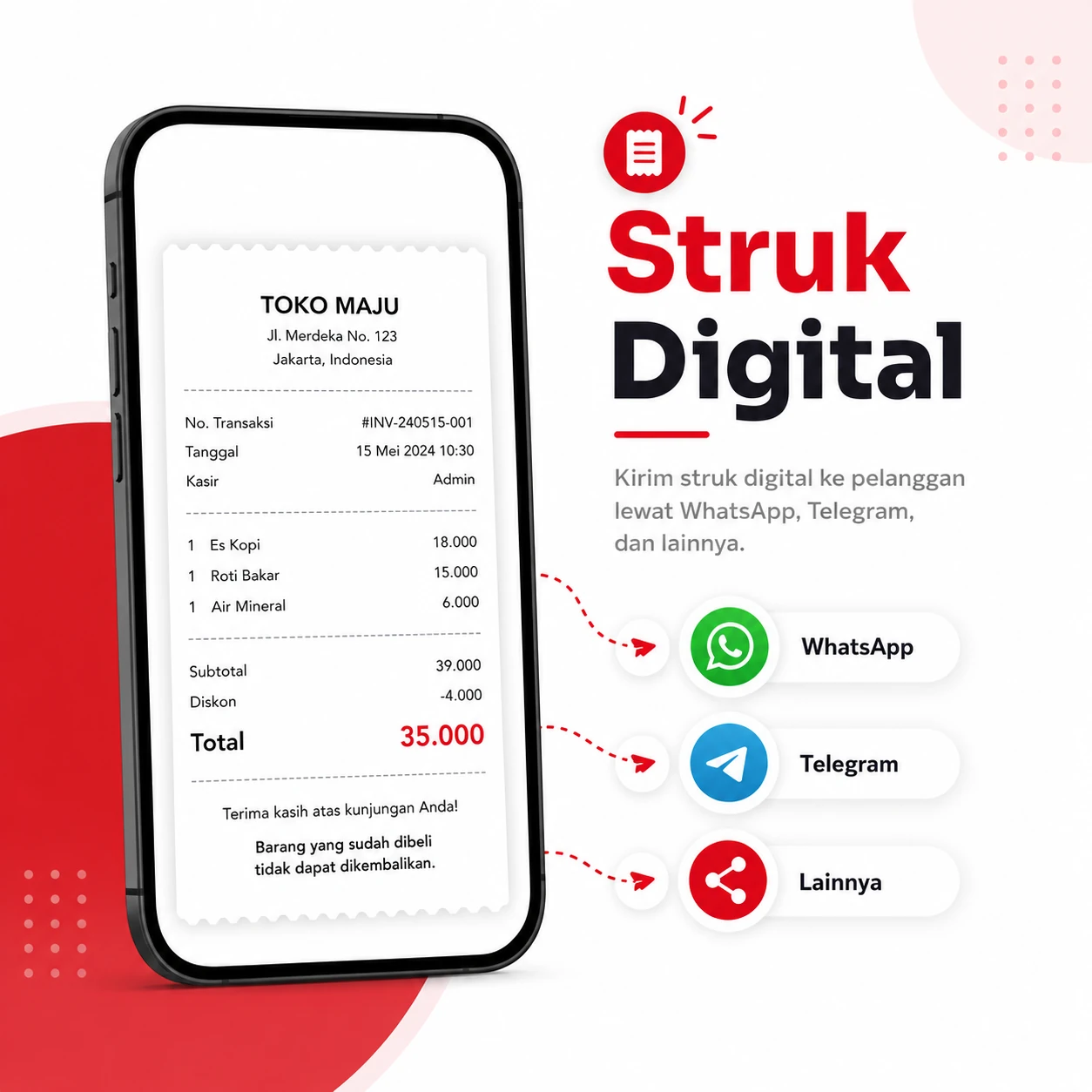
Send receipts to customers through WhatsApp, Telegram, or other apps without always having to print them.
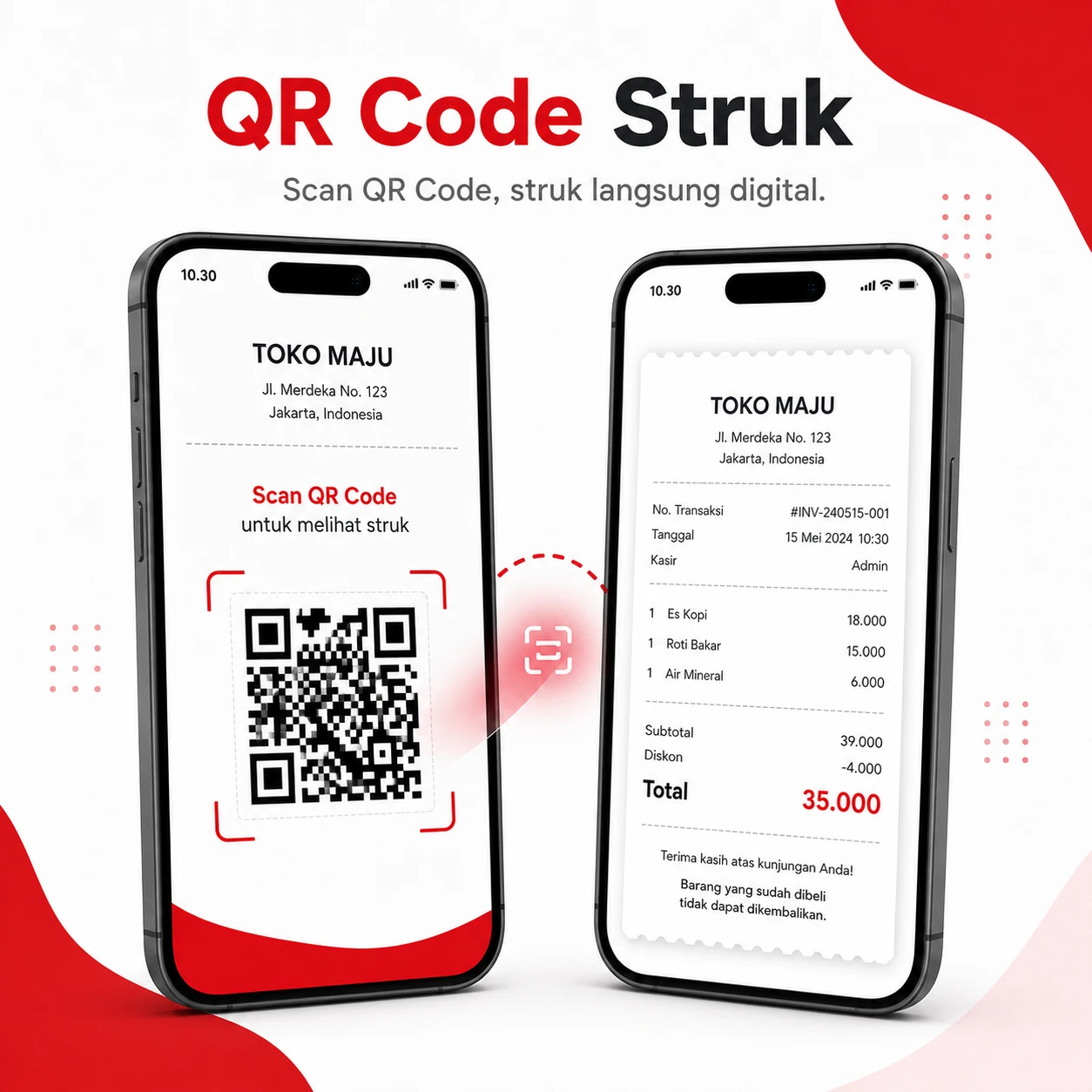
Customers can simply scan a QR code from GoePOS to view their digital transaction receipt.
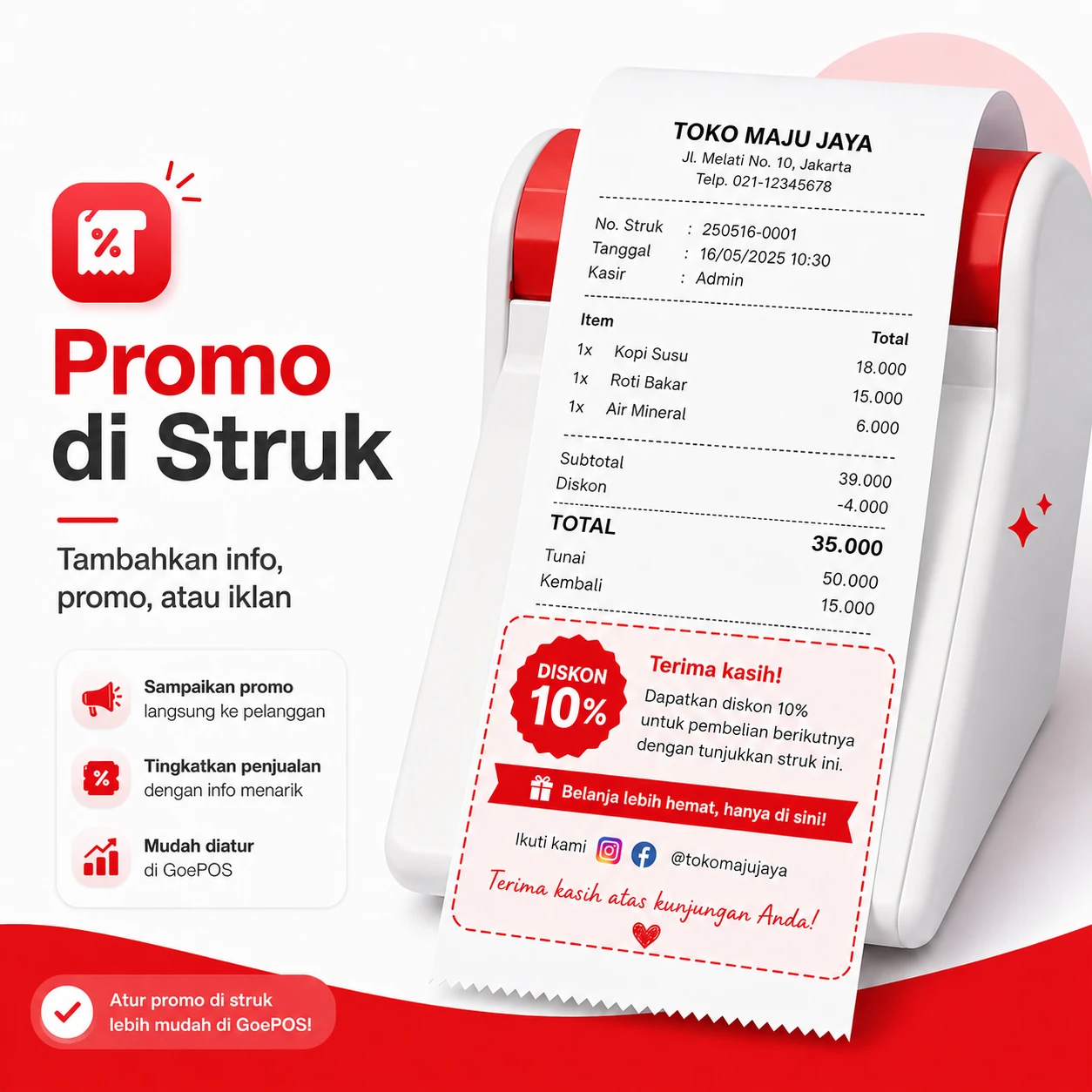
Add information, promos, or ads at the bottom of receipts to encourage customers to come back.
Keep Every Active Order Under Control
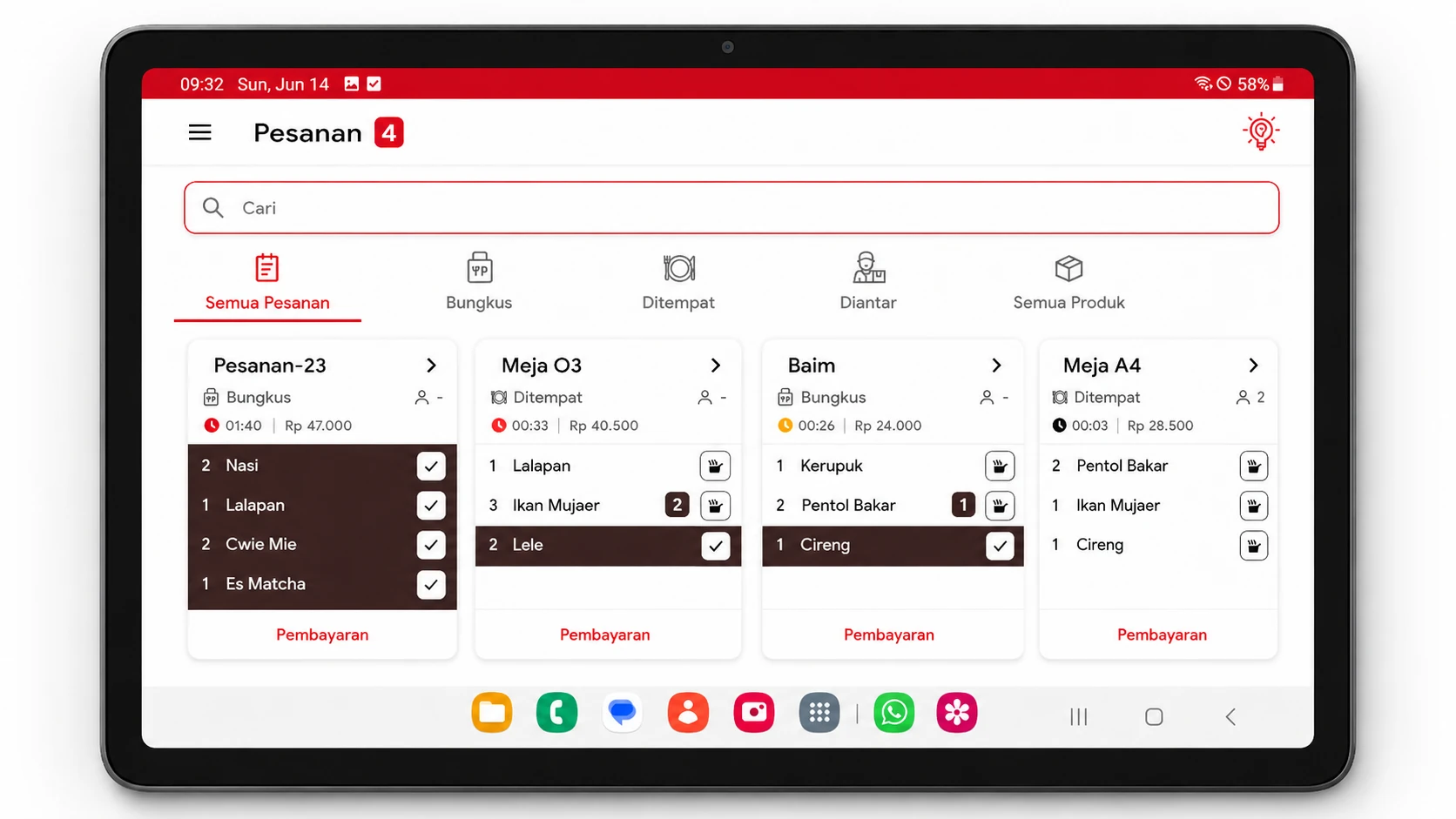
Is the order ready? Has it been served? Or is it still being prepared? With GoePOS, every order status can be monitored from one screen, helping your team respond faster and reducing questions like, "Table 13 is still missing their Nasi Goreng Mawut." Service becomes clearer, more organized, and customers do not have to wait without certainty.
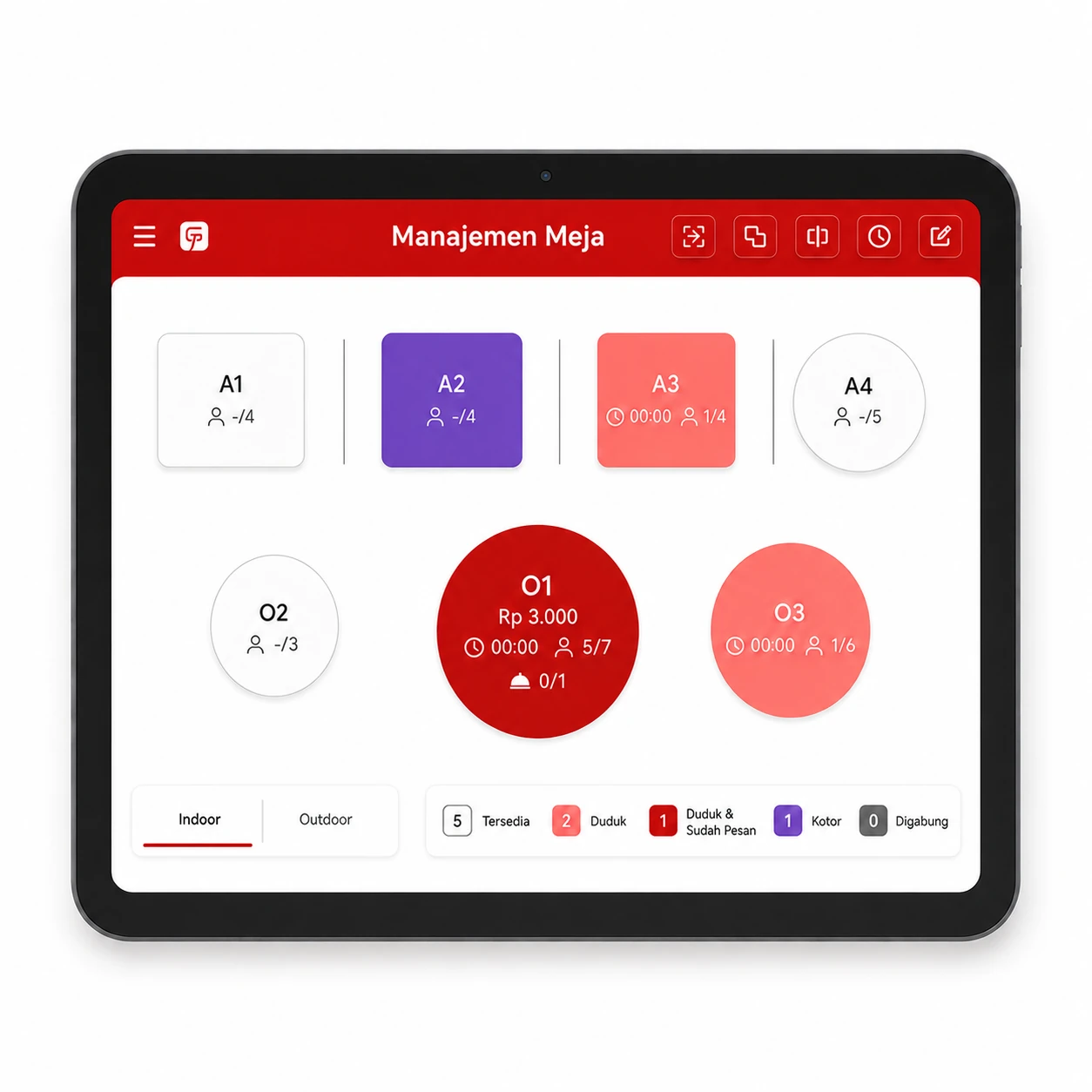
Organized Tables, Smoother Service.
- View your table layout visually
- Monitor each table status
- Combine multiple tables into one payment
- Move customers to another table
- View table activity history in one clean display
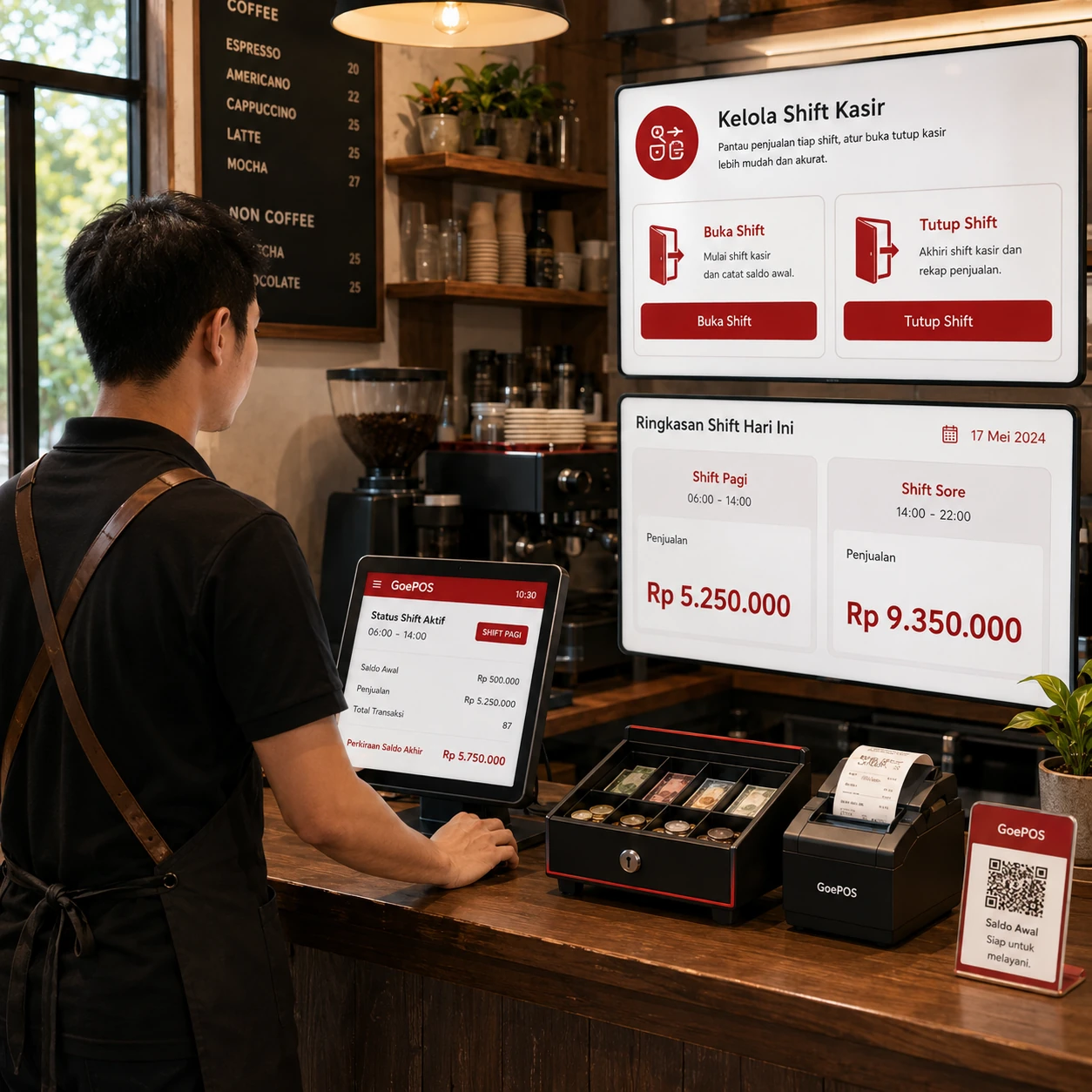
Track Performance Across Every Cashier Shift
Run 2 or more shifts in a day? With the Cash Drawer feature in GoePOS, each cashier can open and close their own cashier session based on their shift.
Owners can view sales by shift, see which operating hours are busiest, and understand which shifts contribute the most revenue.
This data helps your business plan stock, ingredients, and daily operations more accurately, especially during peak hours.
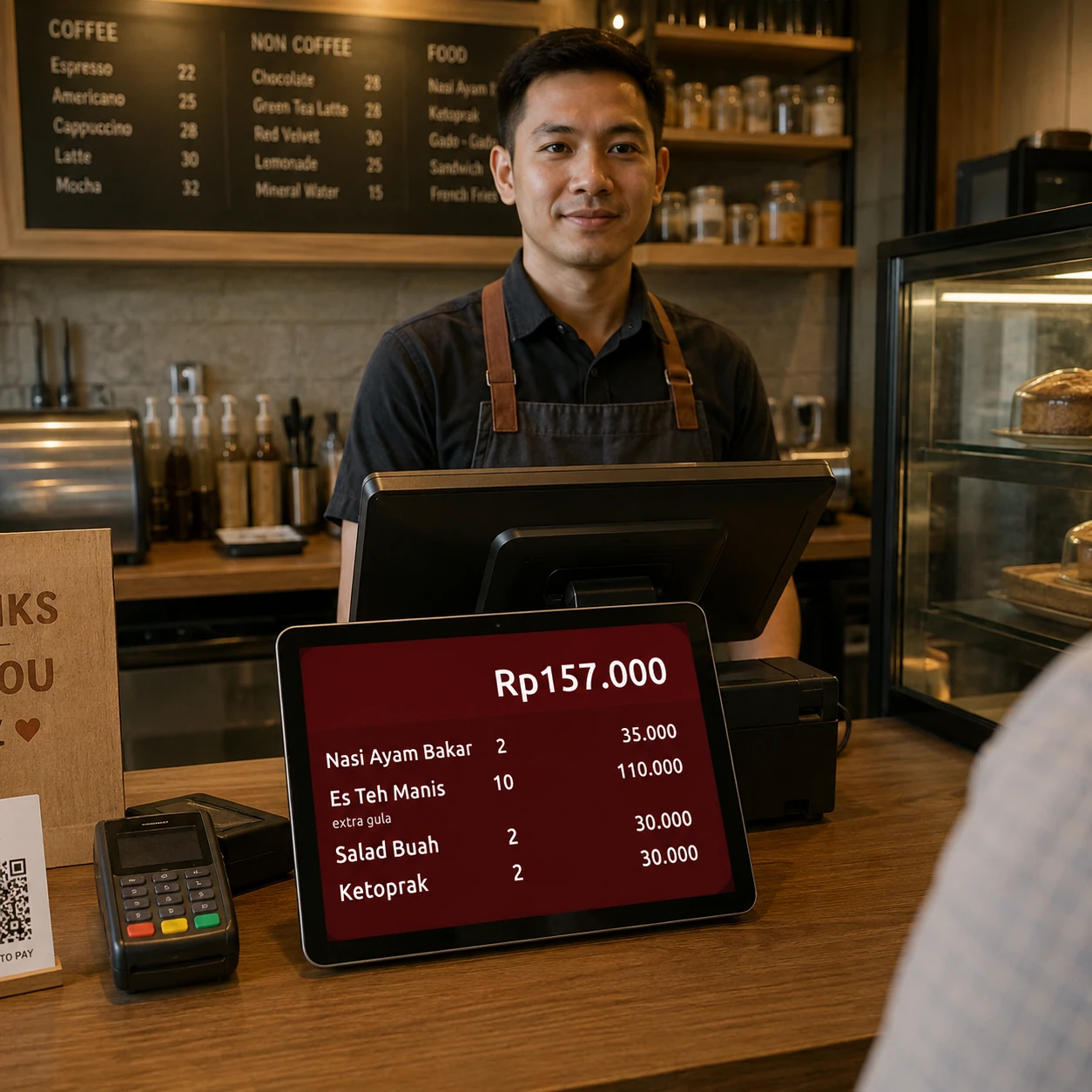
More transparent transactions, more customer trust
Customer Display lets customers see their orders and total payment in real time, helping reduce input mistakes, miscalculations, and wrong orders from the start.
No ads. No surprise add-on feature fees.
GoePOS uses in-app purchases. You can choose the usage level that fits your outlet directly from the app, while the core features remain available for daily operations.
Download for free
Try the app first. As your transactions, products, or staff grow, you can adjust your usage level anytime from the app menu.
- No ads and no extra feature fees
- Plans adjust to your transactions, products, and staff
- Pay via Google Play, e-wallet, QRIS, or bank transfer